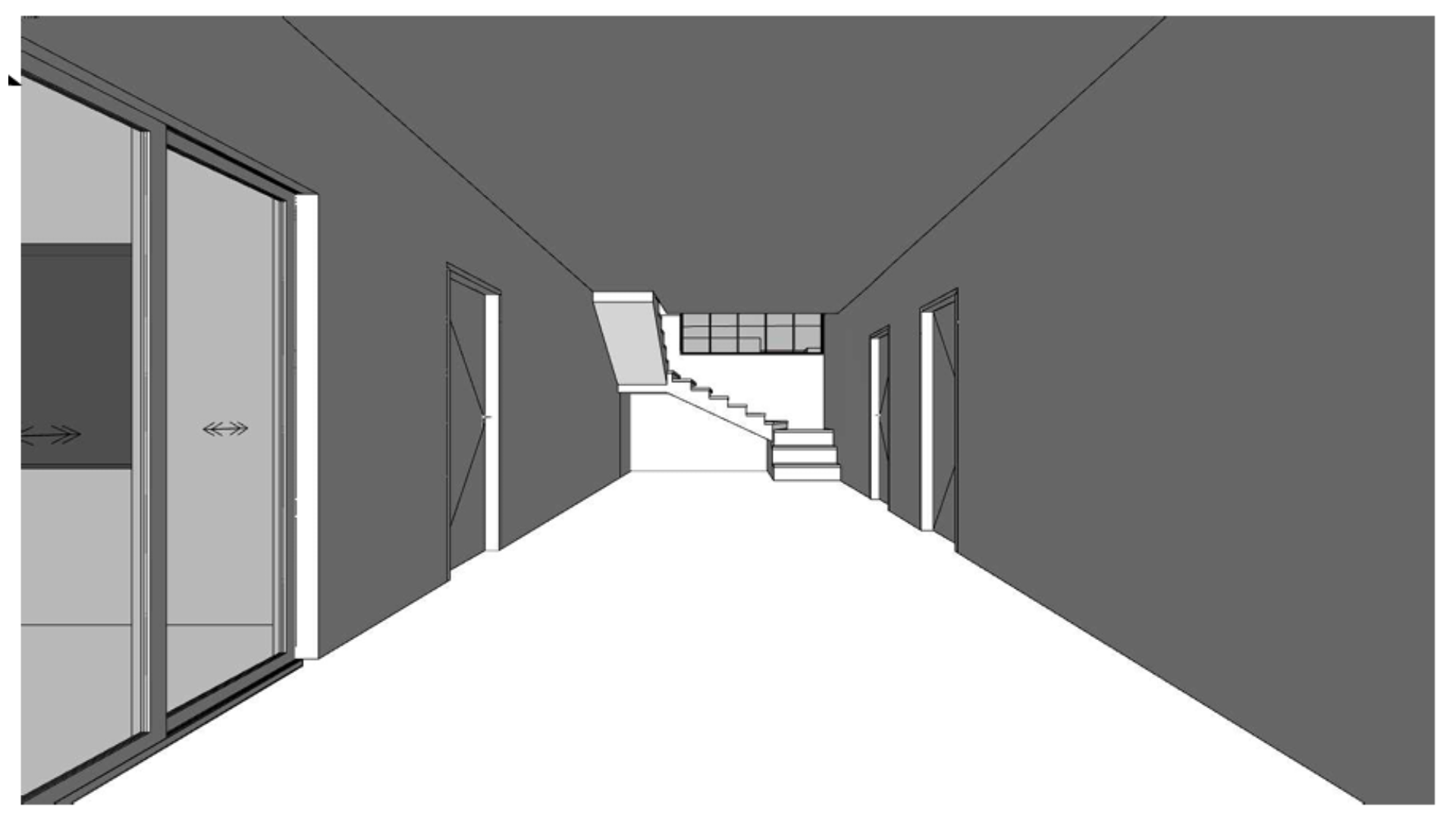
Use ArchSynth when you need to move fast from sketch to render or concept to 3D model. Upload a hand sketch, floor plan, or photo and let the AI instantly generate renders, CAD files, or 3D geometry in just seconds. Its moodboard styling, image-to-CAD, and texture generation features make it a flexible companion for early design studies, visualization, and client presentations. ArchSynth’s speed helps you iterate faster, but it also demands precision—small changes in wording or sliders can drastically alter your results, zooming or restyling parts of the image you didn’t intend. It’s best used for concept testing, adaptive reuse proposals, or quick visualization exercises that support early design thinking.
What it does well
Fast concept to render. Generates polished visuals from sketches or photos in seconds.
All-in-one workflow. Handles rendering, 2D-to-3D, and image-to-CAD in one place.
Remodel AI integration. Quickly reimagines interiors or facades with custom styles.
Texture generation. Creates tileable patterns and realistic materials.
Works in a browser. No installation required; great for quick design iterations.
Supports Revit/Rhino workflows. Exports geometry usable for continued modeling.
Where it’s weaker
Too sensitive to prompts. Small wording changes can produce completely different results or zoom the image unexpectedly.
Limited control. You can’t always fine-tune geometry or camera perspective.
Visual focus only. Lacks analytical or code-driven tools.
Post-editing required. Images may need refinement in Photoshop or Revit.
Subscription-based. Can become expensive with frequent render generations.